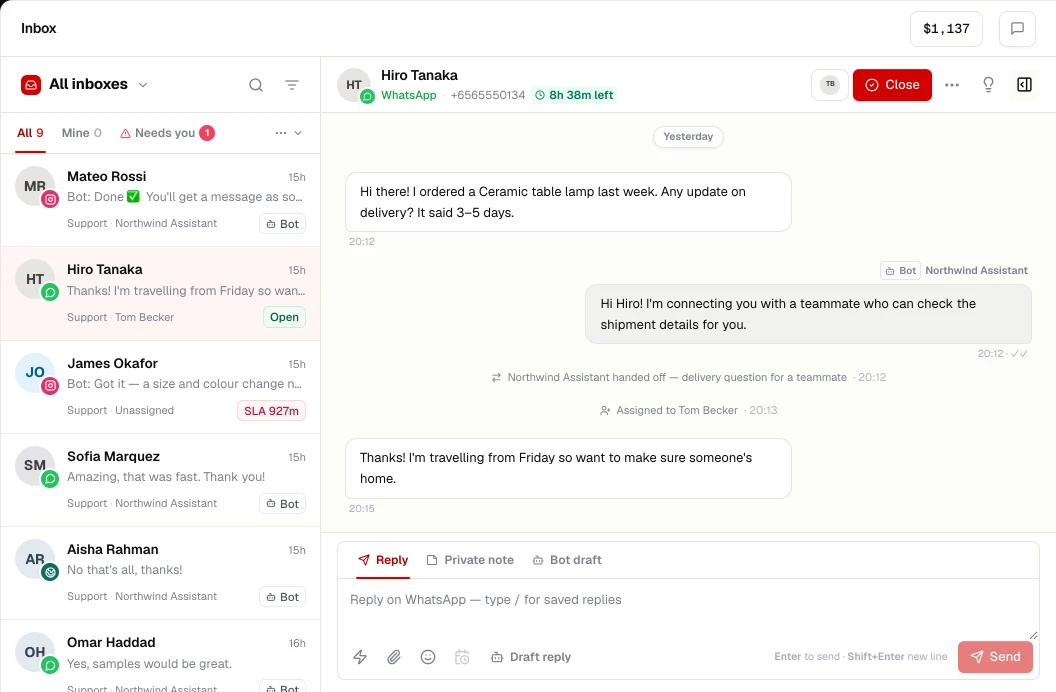
What you get
Website chat in ChatRhino
- Appearance designer: colours, launcher, greeting, position
- AI agent answers and human handoff
- Identify logged-in visitors
- Hosted chat link and iframe for no-code tools
Widget sessions are billed per session on your rate card, not per message.
Set up
Connect Website chat in 3 steps
- STEP 01
Design
Pick colours, launcher style and greeting in the appearance designer.
- STEP 02
Install
Paste the snippet before </body>, or follow the guide for your platform.
- STEP 03
Deploy an agent
Choose the AI agent and team that handle widget conversations.
More channels
Works alongside
Connect your number to the WhatsApp Business Platform and run a shared team inbox, AI agents, flows, templates and opt-in campaigns from ChatRhino.
Learn moreAnswer Instagram Direct Messages from a shared inbox with your other channels, and let AI agents handle routine questions with human handoff.
Learn moreMessenger
Bring Facebook Page Messenger conversations into a shared inbox with WhatsApp and Instagram, with AI agents and handoff to your team.
Learn moreBring your support email into the same inbox as WhatsApp and chat — by forwarding, SMTP, Gmail or Outlook — with one contact history per customer.
Learn more