What you get
SMS in ChatRhino
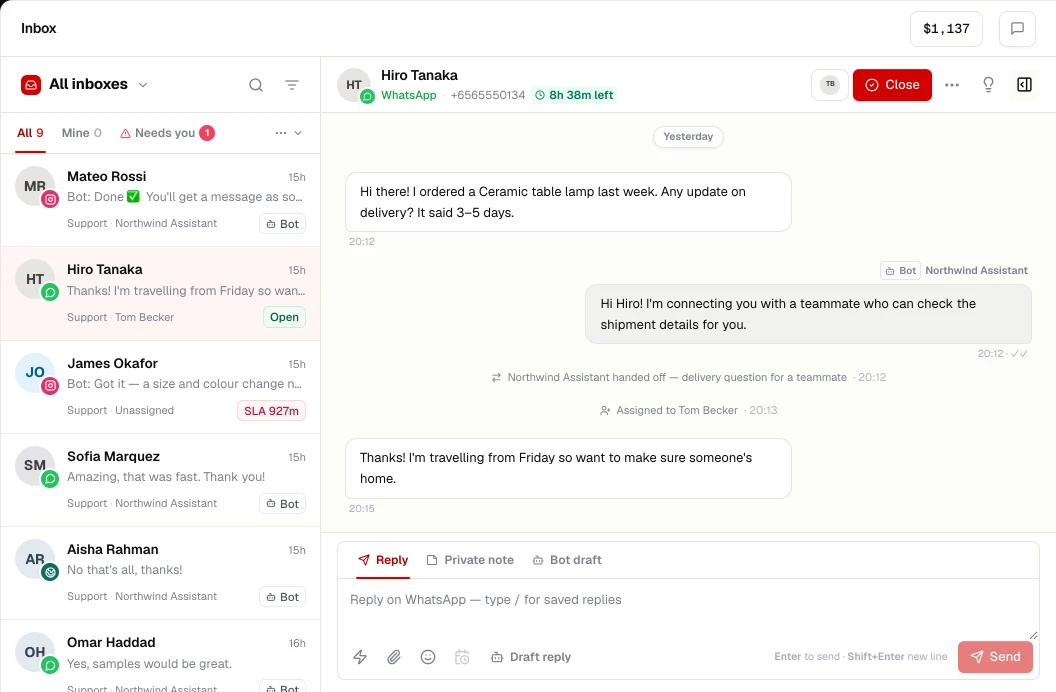
- Two-way SMS in the shared inbox
- Sender and template registration IDs stored once, attached to every send
- SMS campaigns with opt-out handling
- Delivery status from your provider
SMS rules differ by country: some require registered senders, templates or quiet hours for promotional messages. As of November 2026 Our guides cover regional requirements where we have written them up.
Set up
Connect SMS in 4 steps
- STEP 01
Pick a provider
Use your existing Twilio account or another supported SMS provider.
- STEP 02
Check local rules
Some countries require sender IDs and message templates to be registered with carriers before you send.
- STEP 03
Connect in ChatRhino
Channels → SMS, add your provider credentials and sender.
- STEP 04
Go live
Send a test, then route replies to a team or an AI agent.
More channels
Works alongside
Connect your number to the WhatsApp Business Platform and run a shared team inbox, AI agents, flows, templates and opt-in campaigns from ChatRhino.
Learn moreAnswer Instagram Direct Messages from a shared inbox with your other channels, and let AI agents handle routine questions with human handoff.
Learn moreMessenger
Bring Facebook Page Messenger conversations into a shared inbox with WhatsApp and Instagram, with AI agents and handoff to your team.
Learn moreWebsite chat
Add a branded chat widget to any website — HTML, WordPress, Shopify, Webflow, React, Next.js and more — with an AI agent that hands over to your team.
Learn more