What you get
In-app chat in ChatRhino
- REST API for messages from your backend
- Signed webhooks for replies and events
- Hosted chat in a WebView for the fastest start
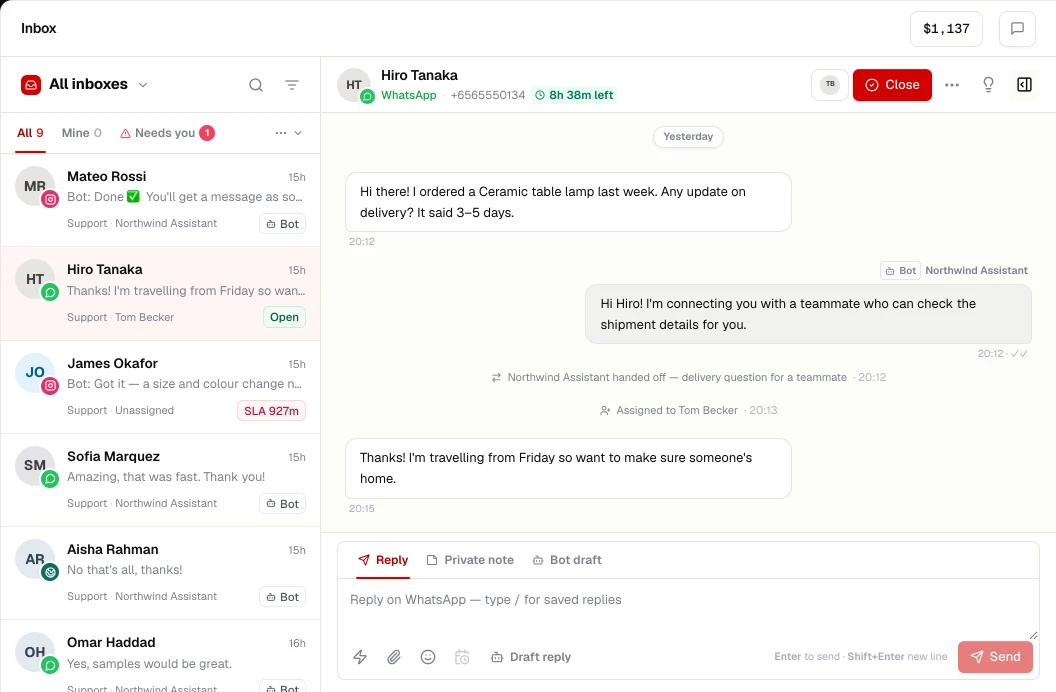
- Same AI agents, inbox and contact history
Ready-made native SDK screens are on our roadmap; ask us about availability for your platform.
Set up
Connect In-app chat in 3 steps
- STEP 01
Create the app channel
Channels → In-app, create an app and copy the account ID and API key.
- STEP 02
Wire your server
Proxy chat messages from the app to the REST API, keeping the key server-side.
- STEP 03
Receive replies
Add your webhook URL and verify signatures, or poll for messages.
More channels
Works alongside
Connect your number to the WhatsApp Business Platform and run a shared team inbox, AI agents, flows, templates and opt-in campaigns from ChatRhino.
Learn moreAnswer Instagram Direct Messages from a shared inbox with your other channels, and let AI agents handle routine questions with human handoff.
Learn moreMessenger
Bring Facebook Page Messenger conversations into a shared inbox with WhatsApp and Instagram, with AI agents and handoff to your team.
Learn moreWebsite chat
Add a branded chat widget to any website — HTML, WordPress, Shopify, Webflow, React, Next.js and more — with an AI agent that hands over to your team.
Learn more